CRM Automation: How to Stop Losing Leads in Your Sales Pipeline
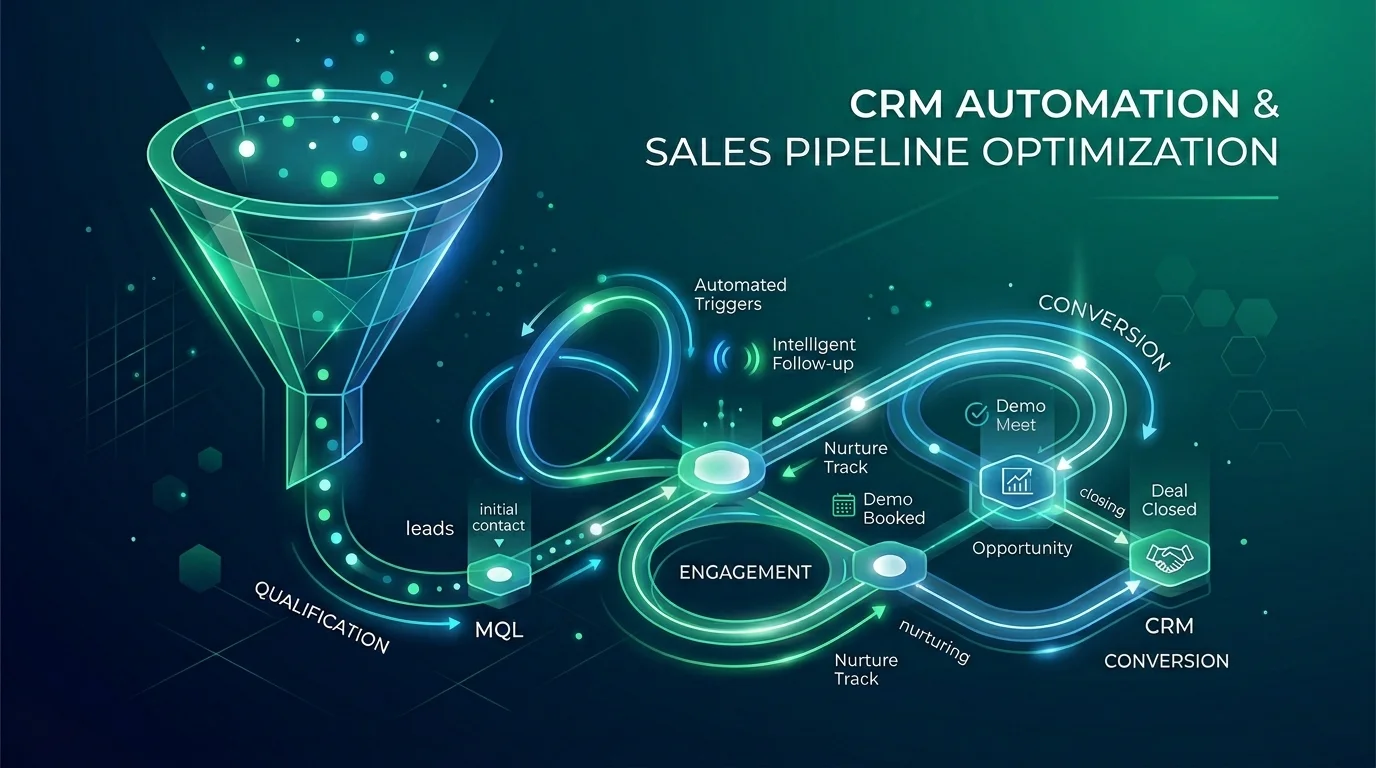
The Uncomfortable Truth About Your Sales Pipeline
Most businesses believe they have a sales problem when, in reality, they have a follow-up problem. The prospects are there. The interest is genuine. The product or service is right. But somewhere between first contact and closed deal, the lead goes cold — not because they chose a competitor, but because nobody followed up at the right time with the right message.
CRM automation doesn't replace your sales team. It makes sure they never let a hot lead go cold because they forgot to send an email on day seven.
Why Manual CRM Management Always Fails
Ask any sales manager about their CRM and you'll hear some version of the same complaint: it's never fully up-to-date, contacts are in the wrong stages, follow-up tasks get created but not completed, and the data you need to make good decisions is always slightly wrong.
This isn't a people problem. It's a system design problem. When you rely on humans to manually update a CRM after every interaction, you're asking them to choose between doing actual sales work and doing administrative work. Inevitably, admin loses — and the CRM data gets stale.
The solution isn't better training or more pressure. It's removing the manual steps that don't need to be manual.
What CRM Automation Actually Looks Like
Automated Lead Capture
Every inbound lead — from your website form, your LinkedIn messages, your email inbox, your phone calls — should land in your CRM automatically, with the contact record created or updated without anyone touching it. Modern automation tools make this straightforward for most common channels.
Intelligent Lead Routing
Not all leads should go to the same person. Routing based on geography, company size, industry, or the specific product they enquired about ensures the right rep picks up the right lead every time. Automated routing also means no lead sits in a shared inbox waiting for someone to notice it.
Automated Follow-Up Sequences
When a new lead enters the pipeline, an automated sequence triggers immediately. Day one: an immediate acknowledgement and relevant resources. Day three: a follow-up with a specific question or case study. Day seven: a soft check-in. Day fourteen: a "closing the loop" message if there's been no response.
Each of these can be personalised based on what you know about the prospect — their industry, the specific enquiry they made, their company size — without requiring a rep to write each one from scratch.
Stage-Based Triggers
When a deal moves from "Proposal Sent" to "Negotiation," the CRM automatically creates the right tasks, sends the right internal notifications, and triggers any external communications that are appropriate at that stage. Nothing falls through the cracks because nothing depends on someone remembering to do it.
Re-Engagement Automation
Leads that went cold three months ago don't need to stay cold. Automated re-engagement sequences can reach out to dormant contacts with relevant new content, case studies, or a simple check-in — at a time when their needs may have changed. This is one of the highest-ROI automations most sales teams overlook.
Choosing the Right CRM Platform for Automation
Not all CRMs are equally automation-friendly. Here's a quick assessment of the most common options:
- HubSpot: Excellent native automation with a generous free tier. Scales well for SMEs. Best for businesses that also want marketing automation tightly integrated with sales.
- Salesforce: The most powerful option, with the steepest learning curve and the highest cost. Best for larger organisations with dedicated CRM administrators.
- Pipedrive: Simple, pipeline-focused, and affordable. Has good automation capabilities through its Workflow Automations feature. Best for sales-focused teams that want something straightforward.
- Zoho CRM: Strong feature set at a competitive price. Good for businesses already using the Zoho suite of tools.
If you're not sure which CRM is right for your business, the automation capabilities should be one of the key evaluation criteria — not an afterthought.
The CRM Automation Metrics That Matter
Once your CRM automation is running, measure these:
- Lead response time: How quickly does the first follow-up go out after a new lead comes in? Sub-five-minute automated response dramatically improves conversion rates.
- Follow-up completion rate: What percentage of follow-up tasks actually get completed? Automation should push this towards 100%.
- Pipeline velocity: How long are deals sitting at each stage? Automation should reduce dwell time at stalled stages.
- CRM data completeness: What percentage of contact records have the key fields filled in? Automation should improve this significantly.
Common Mistakes to Avoid
- Over-automating personalisation: Generic automated emails are easy to spot and easy to ignore. Make sure your sequences feel like they come from a real person who understands the prospect's situation.
- Not testing edge cases: What happens when a lead submits two forms? When a contact exists in two different CRMs? When an email bounces? These scenarios need to be handled explicitly.
- Ignoring the human handover points: Automation should support your sales reps, not replace the moments where a real conversation matters. Design your automation with clear escalation points where a human takes over.
Getting Started
The best place to start with CRM automation is the specific point in your sales process where the most leads are currently getting lost. Map that process in detail, identify the manual steps that could be automated, and start there. Build confidence with a focused, well-built first automation before expanding to the rest of your pipeline.
If you'd like help mapping your sales pipeline and identifying your highest-impact automation opportunities, get in touch for a free consultation.
 AI Workflow Automation
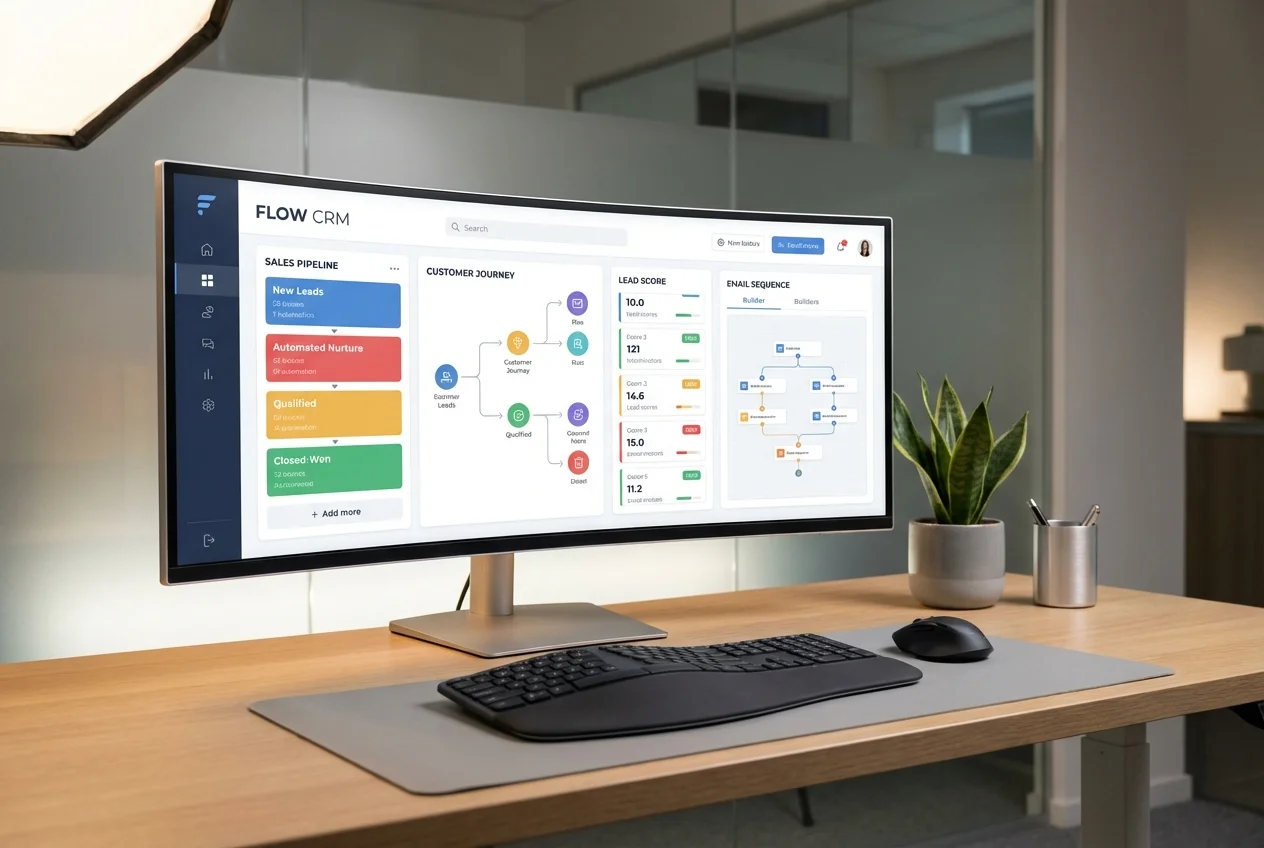 CRM Automation
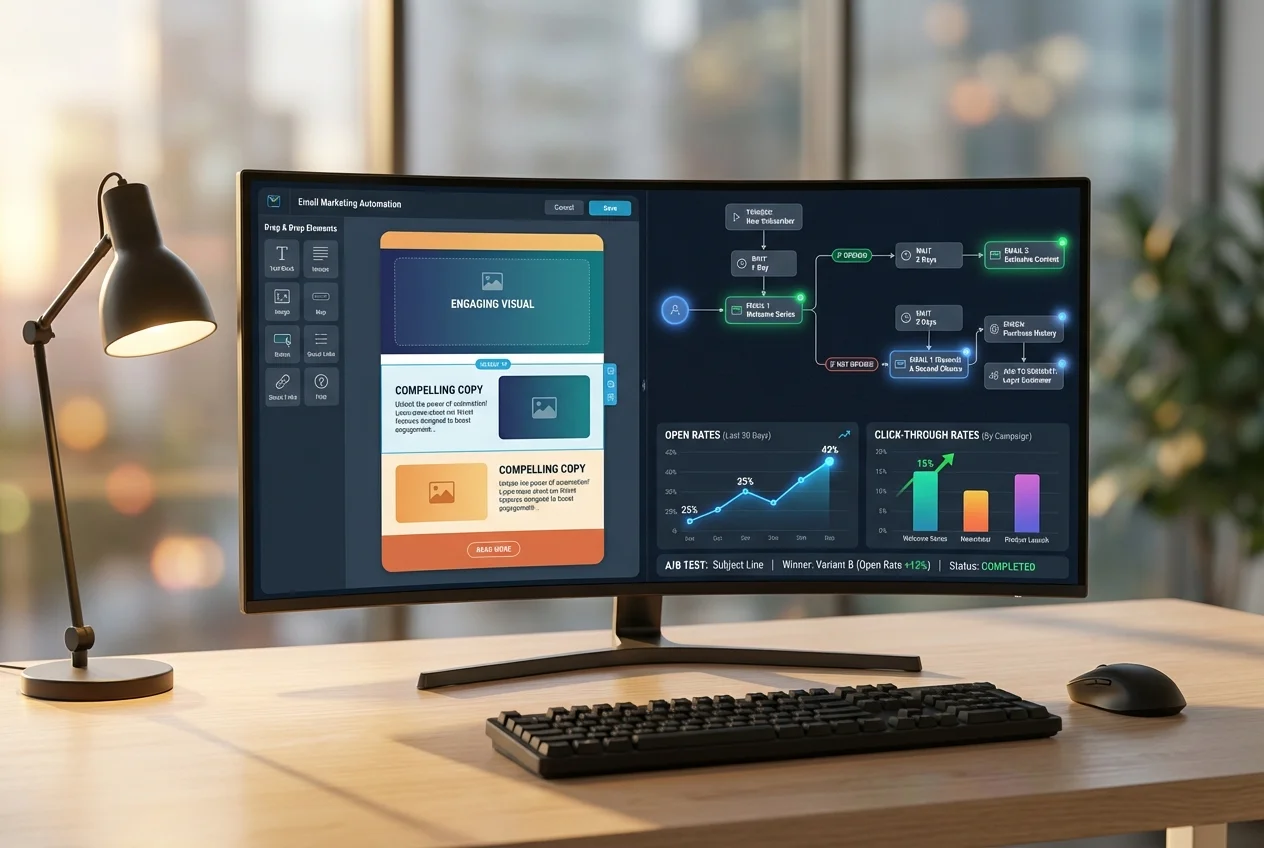 Email & Marketing Automation